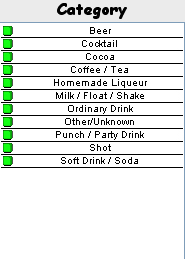
Categories
The category list display the categories used in filtering the drink list. All categories are on by default but may be changed by double clicking the list or hitting ctrl + C on your keyboard. The following window will appear.
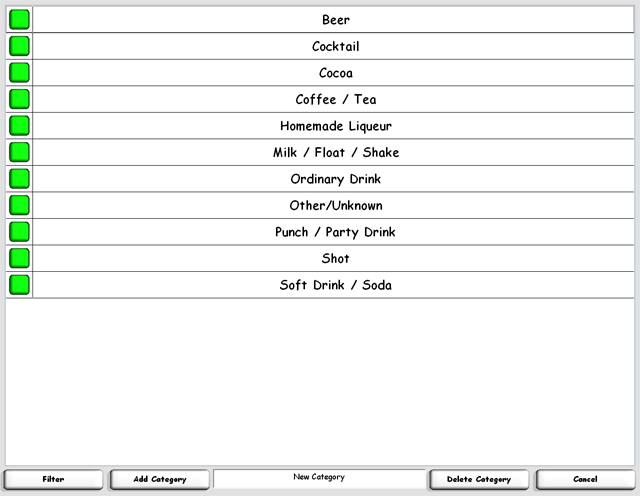
To remove a category from the drink list, simply select the button on the left. Green means it's in, white means it's out. Select the categories you want in or out and select filter. You will be taken back to the main screen and the drink list will be updated.
| <<<Ingredients | Menu Items >>> |
| Home | Support | Screenshots | Software | Movies | Purchase |